If you’ve been building out a Meshtastic network, you know the struggle: keeping track of nodes, signal strength, and message history on a tiny screen or a basic mobile app can be a headache. So I searched for a tool to help me to keep track of everything and I found MeshMonitor.
Initially, I used this web app only to remotely view messages arriving at my node, but then I discovered that there are many options that can be used to monitor the network status.
It’s quickly becoming the gold standard for me and now I use it as a “Command Center” view of the mesh.
Why Use MeshMonitor?
MeshMonitor isn’t just a pretty UI; it’s a full network management suite. Here’s why I decided to install:
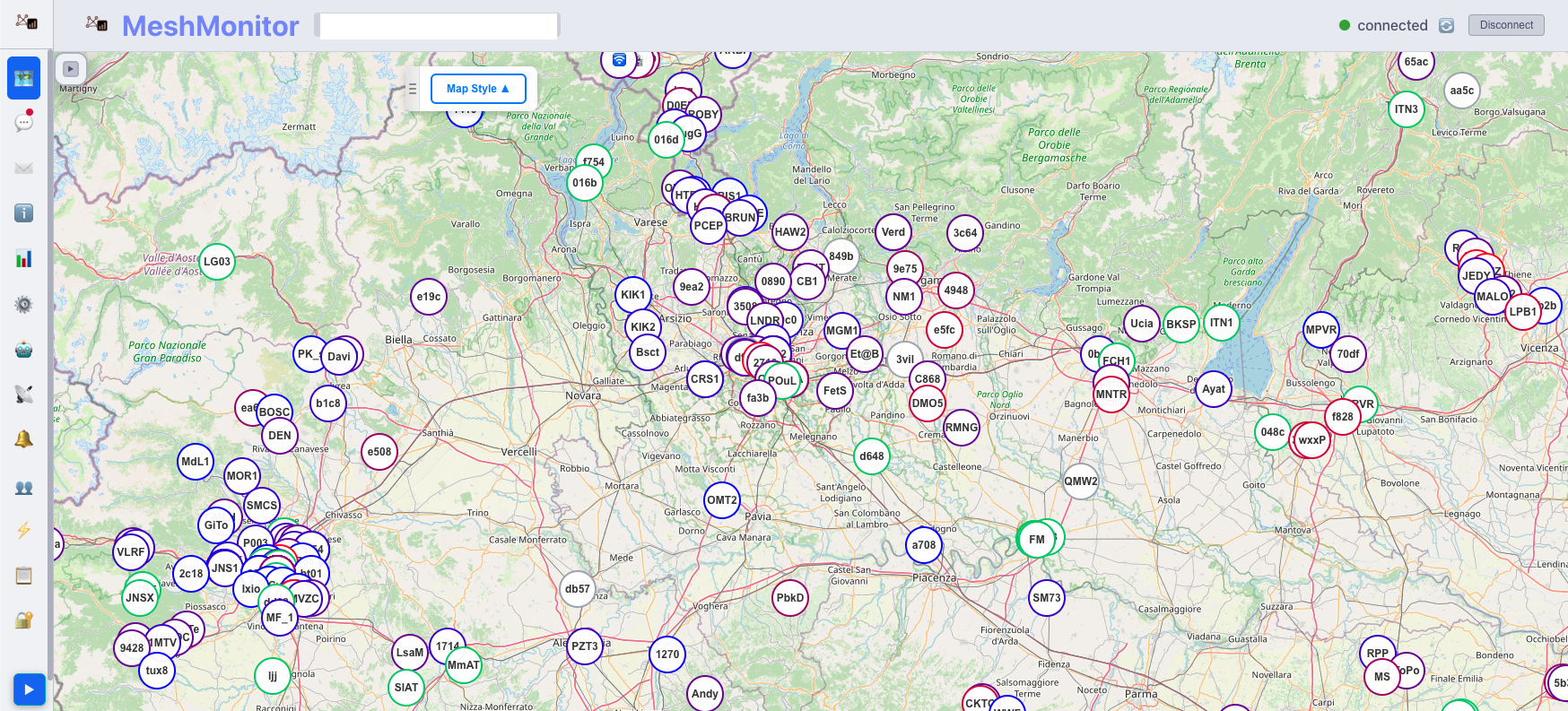
- Interactive Node Map: Visualize your entire network in real-time. See where nodes are, how they are connected, and their signal quality (SNR) at a glance.
- Persistent Message History: Unlike the standard app which can lose history when disconnected, MeshMonitor saves your messages to a local database (SQLite or PostgreSQL), ensuring you never miss a conversation.
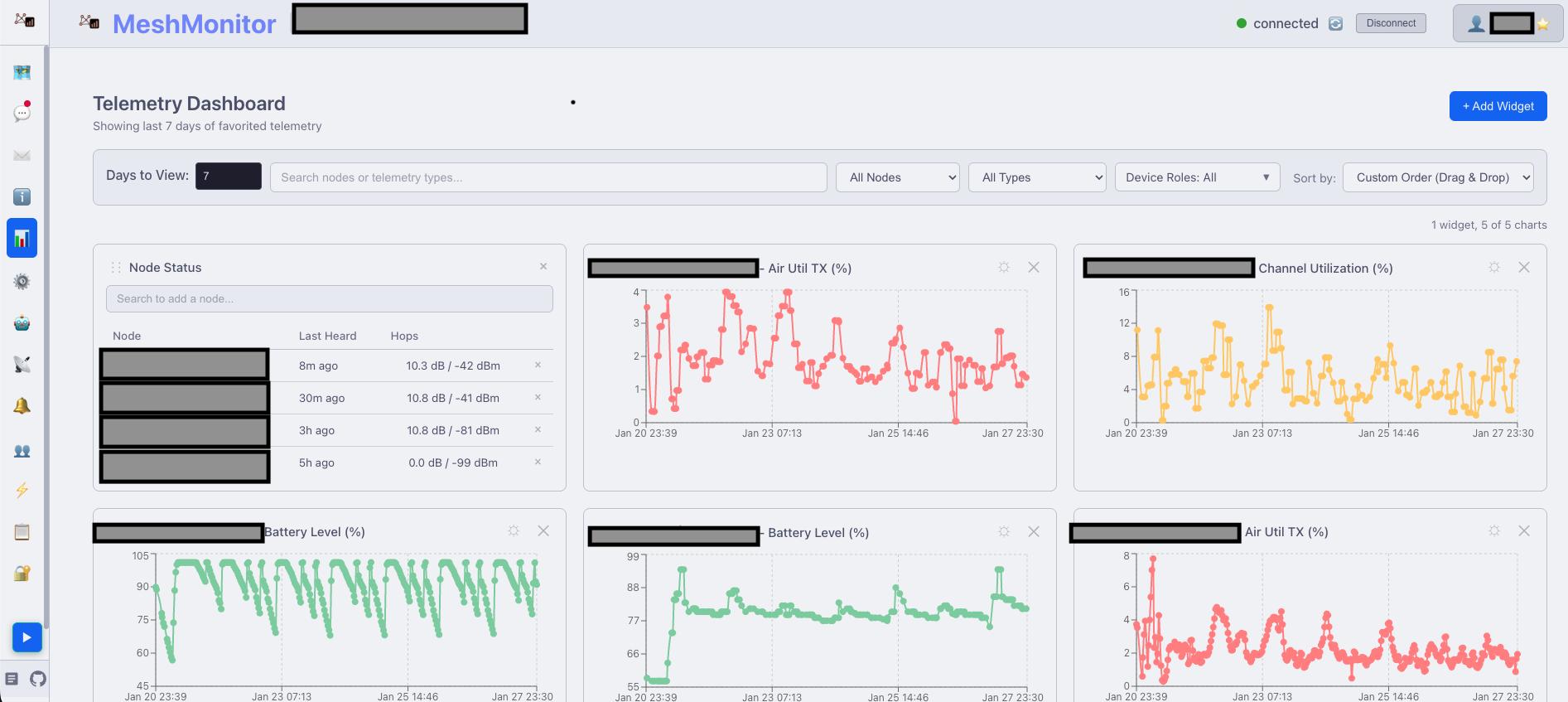
- Health & Telemetry Tracking: Monitor battery levels, GPS status, and even environment metrics (temp/humidity) across all nodes with beautiful, easy-to-read charts.
- Security Auditing: It identifies “low-entropy” (weak) encryption keys and duplicate keys, helping you keep the mesh secure.
- Virtual Node Proxy: It allows multiple mobile apps to connect to a single node simultaneously via MeshMonitor, acting as a stable bridge. I don’t personally use this feature but I admit that it’s very interesting.
Another feature I really appreciate is the ability to set up automatic replies to messages arriving at your node. In my case, I set Meshmonitor to automatically respond to requests like “QSL?” by sending the sender a reply like this: “Hey, @node_name you can reach this node in 3 hops via LoRa with SNR: 11.3dB RSSI: -34dBm.” The text is customizable and a serie of placeholder con be used as variable in the text. The name of the node that sent the message and the signal strenght value, in my previous example, are replaced on the fly by meshmonitor with the real values.
Using Meshmonitor you can also configure and backup a meshnode exatly as you do using the “official” Meshtastic App/WebApp.
How to Install MeshMonitor
The most reliable and “official” way to get MeshMonitor running is via Docker. I choose to install it on a Raspberry PI docker compose. The author has prepared a configurator to create a compose.yml file that takes into account the various options the user can choose from. The Meshtastic node controlled (a Heltec V3 in my case) by Meshmonitor must be on the same network (WiFi/Ethernet) or connected via a Serial.
The author releases frequent updates and, if a bug is found and an issue is filed on GitHub, he’s ready to fix it quickly.
The software is released under the BSD-3-Clause license.
As I sayed the project is repositored on Github: Yeraze/meshmonitor GitHub. The repository contains lots of documentation. The Community discussion surrounding the project is lively.
At the moment it is one of the projects that I appreciate the most for managing Meshtastic nodes.