I bought a T-Deck board because I wanted a portable device that was able to connect to the Mesh without the phone.
I evaluated several cards, I wanted something relatively cheap but also something that I could “build” by myself.
There are many similar devices, from the MeshPocket the power bank with Meshtastic inside created and sell by Heltec, to the LiLyGo T-Lora pager. But they were all ready-made and closed products. The T-Deck, on the other hand, was the most customizable, and I was also intrigued by the MUI, the advanced interface developed by the Meshtastic team. So it seemed to me the solution that fully responded to my requests. The choice therefore fell on the T-Deck. Also attracted by the old-style keyboard similar (or identical) to that of the Blackberry
TDeck is a family of devices, there are the TDeck board that comes naked, the TDeck plus that is a TDeck board with a pre-mounted GPS in an enclosure and the TDeck pro a board + GPS and e-ink display.
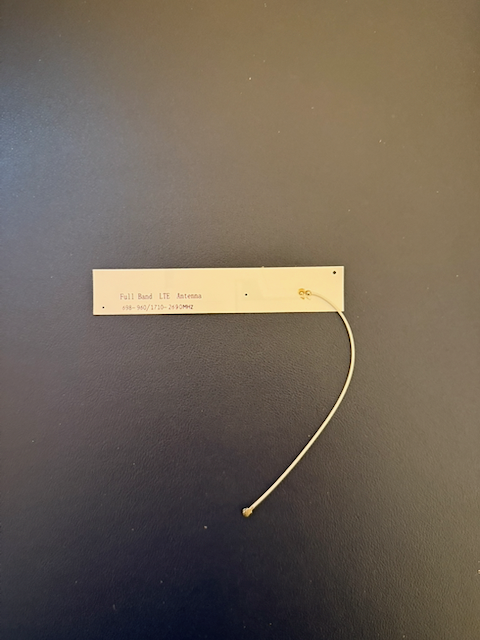
The TDeck board arrives in a small plastic box, inside the box there are the board itself and a small paper antenna.
It seems that those who decided on the packaging of the product have thought to an indoor use, which is not exactly what I had set out to do. Fortunately on the board there is the attachment for an IPEX pigtail taht makes possible to use a different antenna.
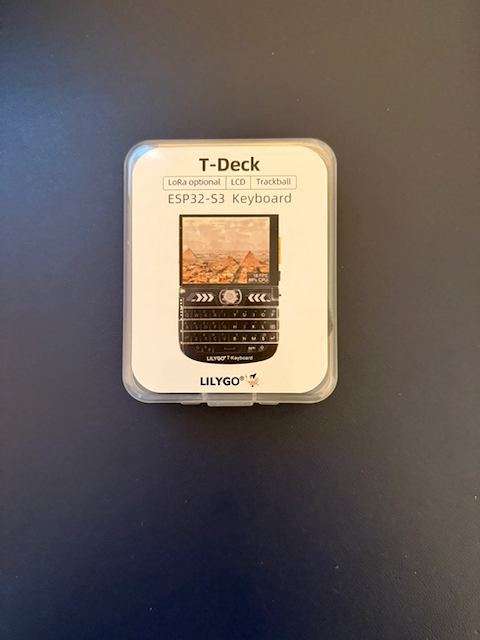
This is the BOM of my device:
- 1 TDeck Board
- 1 Gbformat antenna
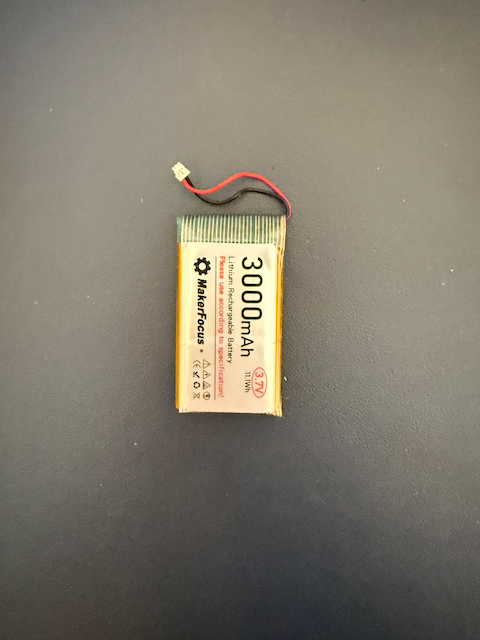
- 1 3000 LiPo battery
The board natively supports the possibility of recharge a battery.
Then I had to find the project for an enclosure and 3D print it.
I found this one https://www.printables.com/model/741124-lilygo-t-deck-td1-case on Printables by Alley Cat. This is a very complete project and you can choose among many different sizes and configurations. I choose the ”Alley Chat TD1 Standard Front TBall GPS Grove Nuts” for the front and the ”Alley Chat TD1 S Inside Cat Edition” for the back.
The front part has place for the GPS module and a hole to mount the external antenna.
Using these parts the enclosure can host the battery and the GPS module. But there’s an accurate description and a very explanatory video to print the enclosure that exactly follows your needs.
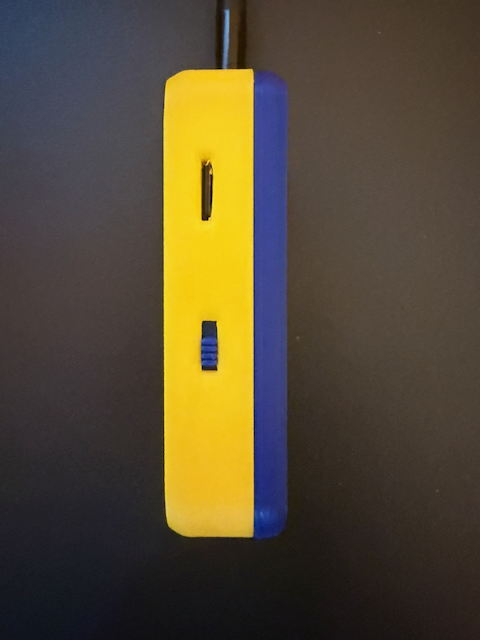
It is necessary to pay a little attention when inserting the board into the front of the enclosure because it is designed to hold the board still when using it: for this reason it enters with difficulty, forcing it too much you risk damaging it. Before inserting the board and the slide of the switch it is necessary to file the various slots, in particular that of the SD card or the insertion and removal of the SD cards will be difficult if not impossible. The SD card is used to store the maps (on this, maybe, I will write a post) and to backup the public and private keys of the device (which is absolutely recommended!!).
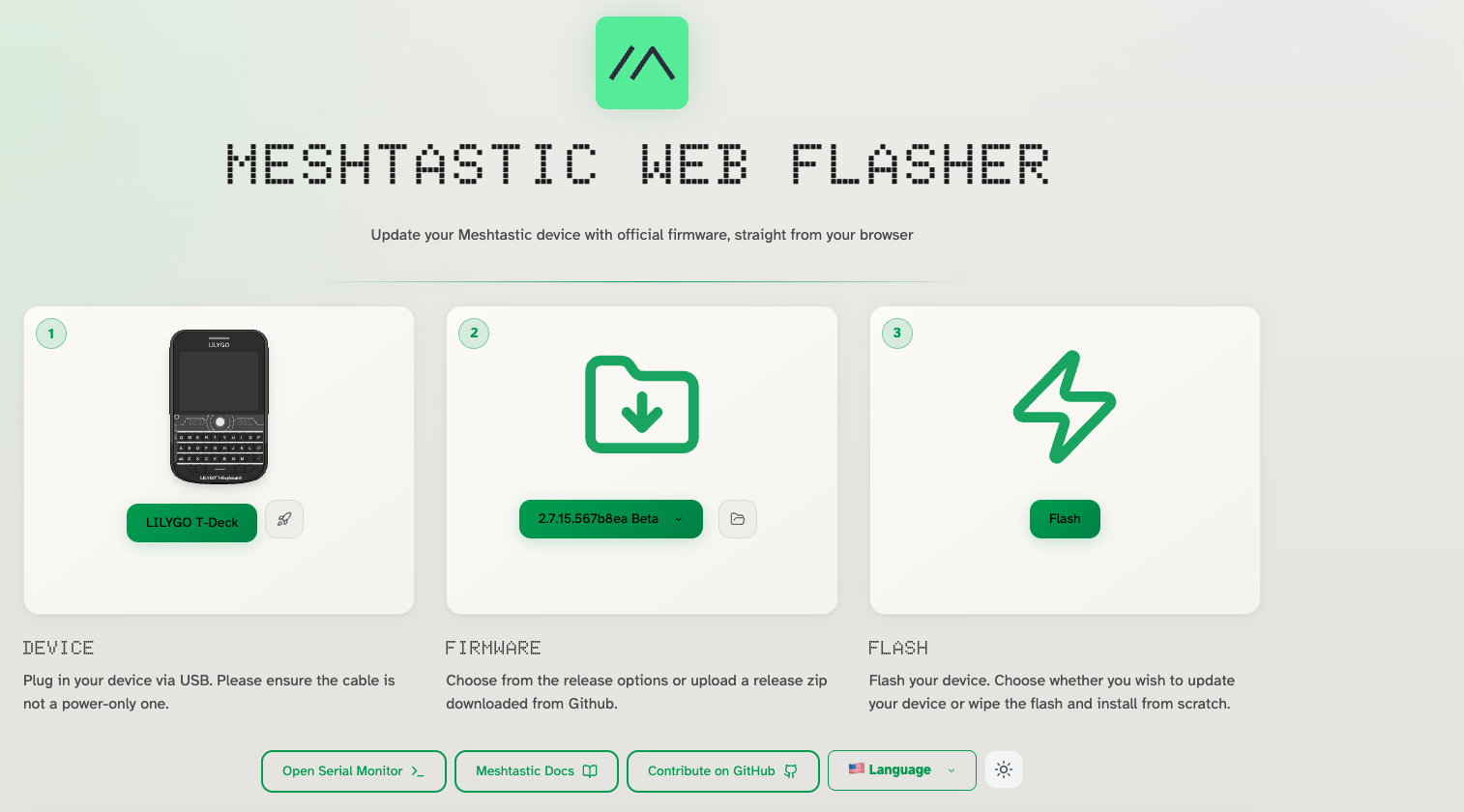
Installing the MUI is as easy as install the Meshtastic firmware: I used the web flasher, just pay attention to switch on the MUI selector when it appears:
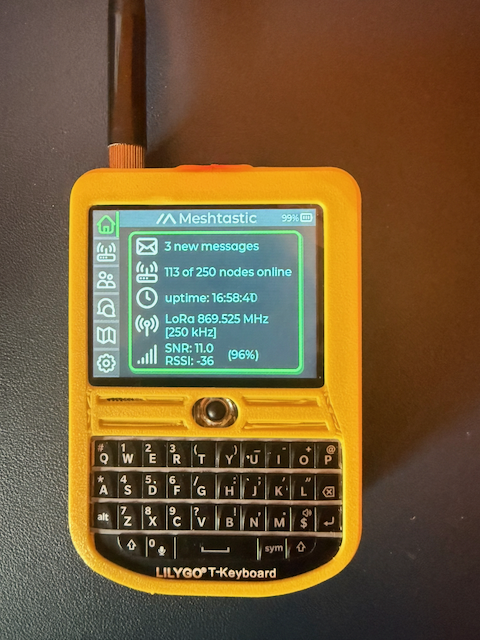
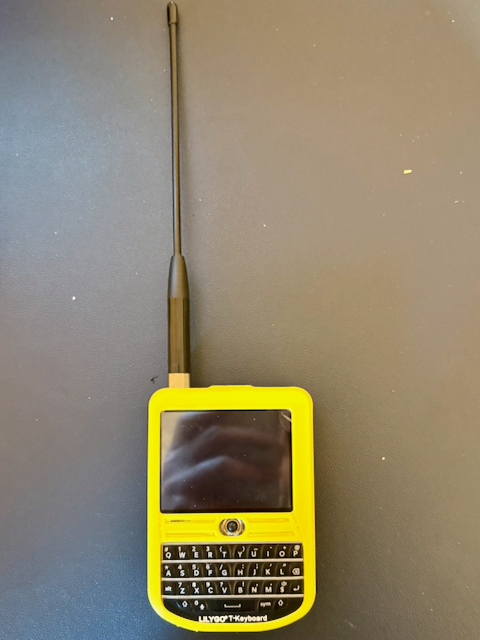
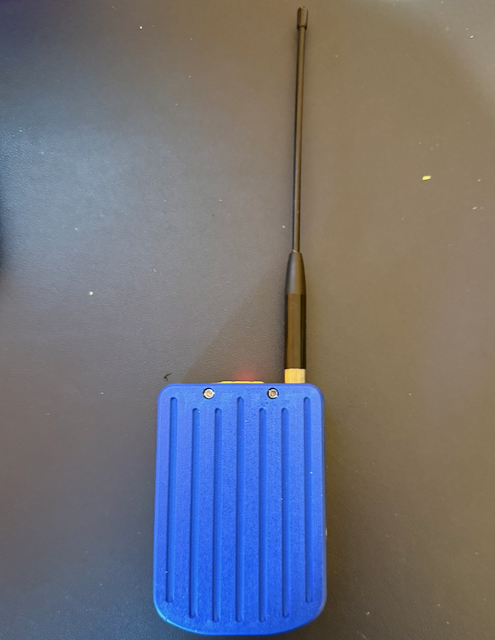
And this is the final results: